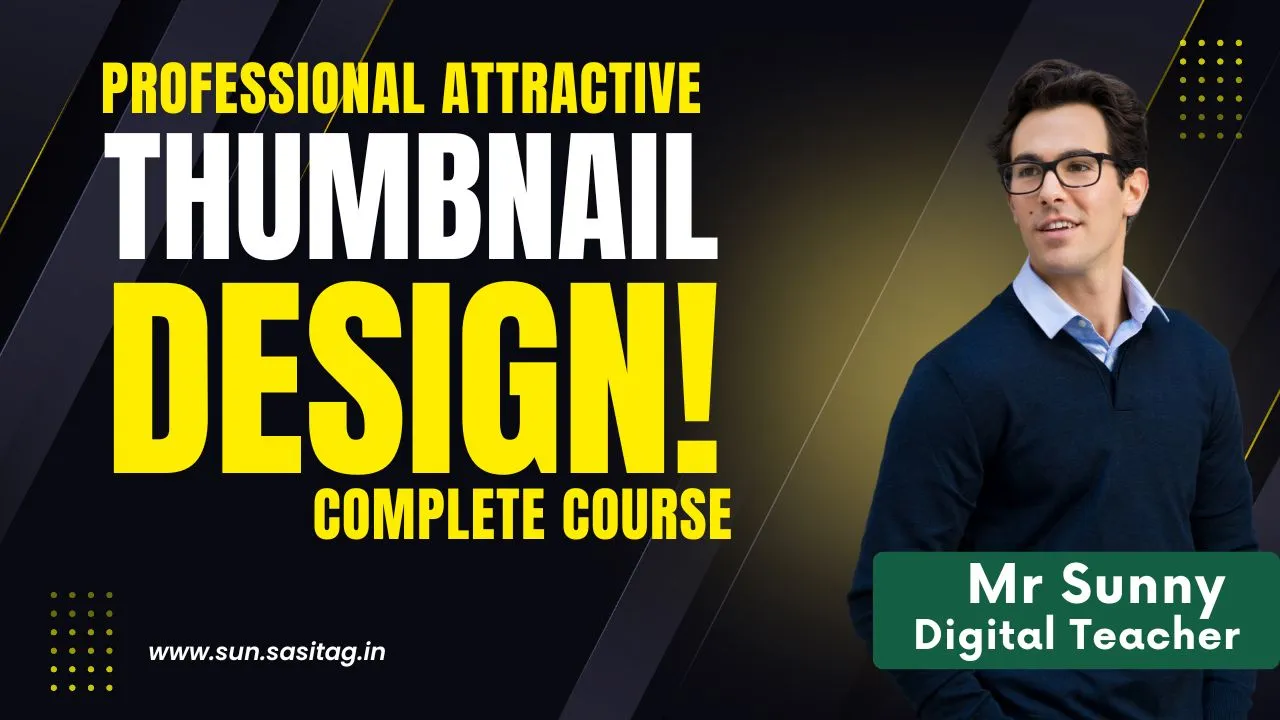
About Course
Boost Your Clicks with Eye-Catching Thumbnails
Design scroll-stopping visuals that get more views, more engagement, and more growth — even if you’re not a designer!
👋 Welcome to the Ultimate Thumbnail Design Course
Your content is great, but people scroll past it. Why? Because your thumbnails don’t stand out.
In today’s crowded digital world, your first impression happens in a split second — through a thumbnail. Whether you’re a YouTuber, social media marketer, content creator, or coach — your visuals must grab attention and drive clicks.
This Thumbnail Design Complete Course is crafted to help beginners and non-designers create stunning, high-converting thumbnails using free and beginner-friendly tools like Canva and Photoshop.
🚀 What You’ll Learn
By the end of this course, you’ll be able to:
-
Create professional-quality thumbnails in minutes
-
Understand the psychology behind click-worthy visuals
-
Choose the right fonts, colors, images, and layout for your niche
-
Use free tools like Canva (and Photoshop if needed) to speed up your design
-
Access 50+ editable templates for fast results
-
Increase your views, engagement, and subscribers/followers
🎯 Why Thumbnails Matter
-
📉 Bad Thumbnails = Low Click-Through Rate (CTR)
-
📈 Good Thumbnails = More Views + Growth + Revenue
In a split second, your thumbnail tells the viewer: “Click me or scroll past.” This course teaches you to design thumbnails that make people STOP and CLICK — with no expensive software or prior experience required.
🛠️ Course Features at a Glance
✅ No Graphic Design Experience Needed
Perfect for complete beginners or busy creators who want fast, effective results.
✅ Canva & Photoshop Training
Use free and premium tools to make professional-quality designs.
✅ 50+ Ready-to-Use Templates
Just edit and post! Save hours of design time.
✅ Understand the Psychology of Clicks
Colors, faces, fonts, emotions — learn what actually drives attention and clicks.
✅ Niche-Based Design Strategies
Thumbnails for education, fitness, finance, entertainment, vlogs, and more.
✅ Export Settings & Optimization Tips
Make sure your thumbnails load fast and look sharp on all platforms.
👨🏫 Who Is This Course For?
This course is ideal for:
-
🎥 YouTubers – Improve your CTR and grow your audience
-
💼 Digital Marketers – Create attractive ads and social media graphics
-
📸 Content Creators – Instagram, Facebook, and LinkedIn visuals
-
🧑🏫 Coaches & Educators – Promote your videos and webinars
-
🧑🎓 Beginners & Students – Learn a freelance skill with no design background
📘 Course Modules Breakdown
📍 Module 1: Introduction to Thumbnail Design
-
Why thumbnails matter in the digital world
-
Case studies of high-CTR thumbnails
-
Free vs. paid design tools overview
🎨 Module 2: Thumbnail Psychology & Visual Hierarchy
-
Eye-tracking & attention-grabbing elements
-
Font size, bold text, color contrast
-
Using emotions, faces, and action in design
🛠️ Module 3: Canva Mastery for Beginners
-
Setting up your Canva account (free)
-
Custom thumbnail size & layout
-
Adding text, images, icons, shapes, and effects
-
Using Canva templates effectively
🖼️ Module 4: Photoshop Basics (Optional)
-
Creating a thumbnail from scratch
-
Cropping, resizing, layering, and exporting
-
Adding glow, shadows, and background blur
💡 Module 5: Designing for Niche-Specific Audiences
-
YouTube education thumbnails
-
Viral video thumbnails (entertainment)
-
Product & event promo thumbnails
-
Instagram story highlight covers
📦 Module 6: Using & Editing Templates
-
How to use the 50+ included templates
-
Replacing text, images, and colors
-
Creating a brand style for consistency
-
Batch-creating thumbnails for a content series
🧾 Module 7: Export, Upload & Optimize
-
Ideal export settings for different platforms
-
File size, dimensions, and naming best practices
-
Uploading to YouTube/Facebook
-
A/B testing thumbnail variations
🎁 Course Bonuses
-
🎁 50+ Editable Thumbnail Templates (Canva)
-
🎁 Free Fonts & Graphic Resource Pack
-
🎁 Thumbnail Strategy PDF Cheatsheet
-
🎁 Branding Color Palette Guide
-
🎁 Certificate of Completion
-
🎁 Access to Private Support Group
💬 Real Student Reviews
⭐️ “My thumbnails used to get ignored. After taking this course, my CTR improved from 2% to 6%! Huge difference in views and growth.”
— Arun Mehta, YouTuber
⭐️ “I never thought I could design. This course made it so easy. Canva is amazing, and the templates save a lot of time.”
— Sneha Verma, Instagram Coach
⭐️ “Now I design thumbnails for 3 YouTubers as a freelancer. All because of this course. Highly recommended!”
— Rahul M., Student Freelancer
📌 Course Overview
-
Language: Hindi + English Mix
-
Level: Beginner-Friendly
-
Duration: 4–5 hours (self-paced)
-
Format: Video Lessons + Templates
-
Access: Lifetime + Updates
-
Support: Telegram/WhatsApp Group
-
Certificate: Yes
💸 Price & Access
This course is valued at ₹2499+
Launch Offer: Only ₹XXX (Limited Time Deal)
✅ Instant Lifetime Access
✅ 50+ Templates Included
✅ Risk-Free Learning
🚀 Ready to Boost Your Clicks and Stand Out?
Don’t let great content go unseen. Learn how to design thumbnails that demand attention and drive growth.
👉 Enroll now and start creating like a pro — even if you’ve never designed before!
Course Content
Module 1: Introduction to Thumbnail Design
Module 2: Thumbnail Psychology & Visual Hierarchy
Module 3: Canva Mastery for Beginners
Module 4: Photoshop Basics
Module 5: Designing for Niche-Specific Audiences
Module 6: Using & Editing Templates
Module 7: Export, Upload & Optimize
Student Ratings & Reviews